Reference
Admin tools
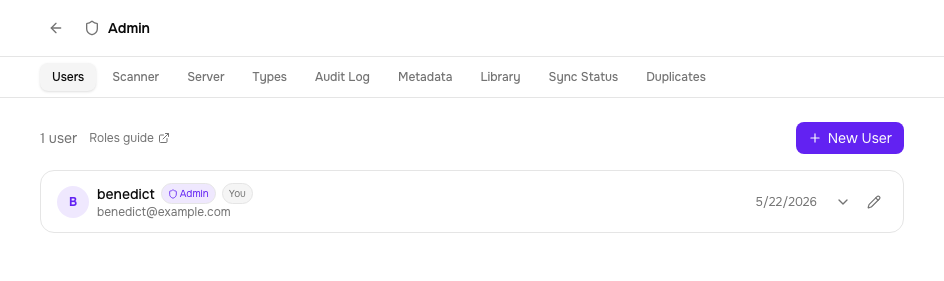
The admin panel (/admin) has tools for maintaining a clean library at scale: duplicate detection and library health checks. Both are admin-only.
Duplicate detection
Tome scans the library for potential duplicates using four strategies, from most to least confident:
| Strategy | What it matches | Use case |
|---|---|---|
| Content hash | Identical file contents | Exact same file imported twice |
| ISBN | Same ISBN across books | Different files of the same edition |
| Author + series + index | Same author, series name, and volume number | Different formats of the same volume (EPUB + CBZ) |
| Fuzzy title + author | Title similarity > 85% with same author | Slightly different titles ("Vol. 1" vs "Volume 1") |
Resolving duplicates
For each duplicate group, you have two options:
- Merge — keep one book, delete the others. Reading status and sessions are preserved on the kept book.
- Dismiss — mark the pair as not-a-duplicate. Dismissed pairs are stored permanently and excluded from future scans.
Library health
The Library Health tab scans the filesystem for books whose on-disk path doesn't match their expected location based on current metadata. This happens when you rename a series, change an author, or import books before their metadata was corrected.
Misplaced files are grouped by series and author. For each one, Tome shows the current path and where it should be. You can:
- Preview — dry-run the reorganisation to see what would move
- Reorganise — move files to their correct paths and clean up empty folders