Built-in reader
EPUBs, manga (CBZ/CBR), and PDFs render directly in the browser. No external app required. Position is tracked at page granularity and syncs both ways with KOReader viaTomeSync.
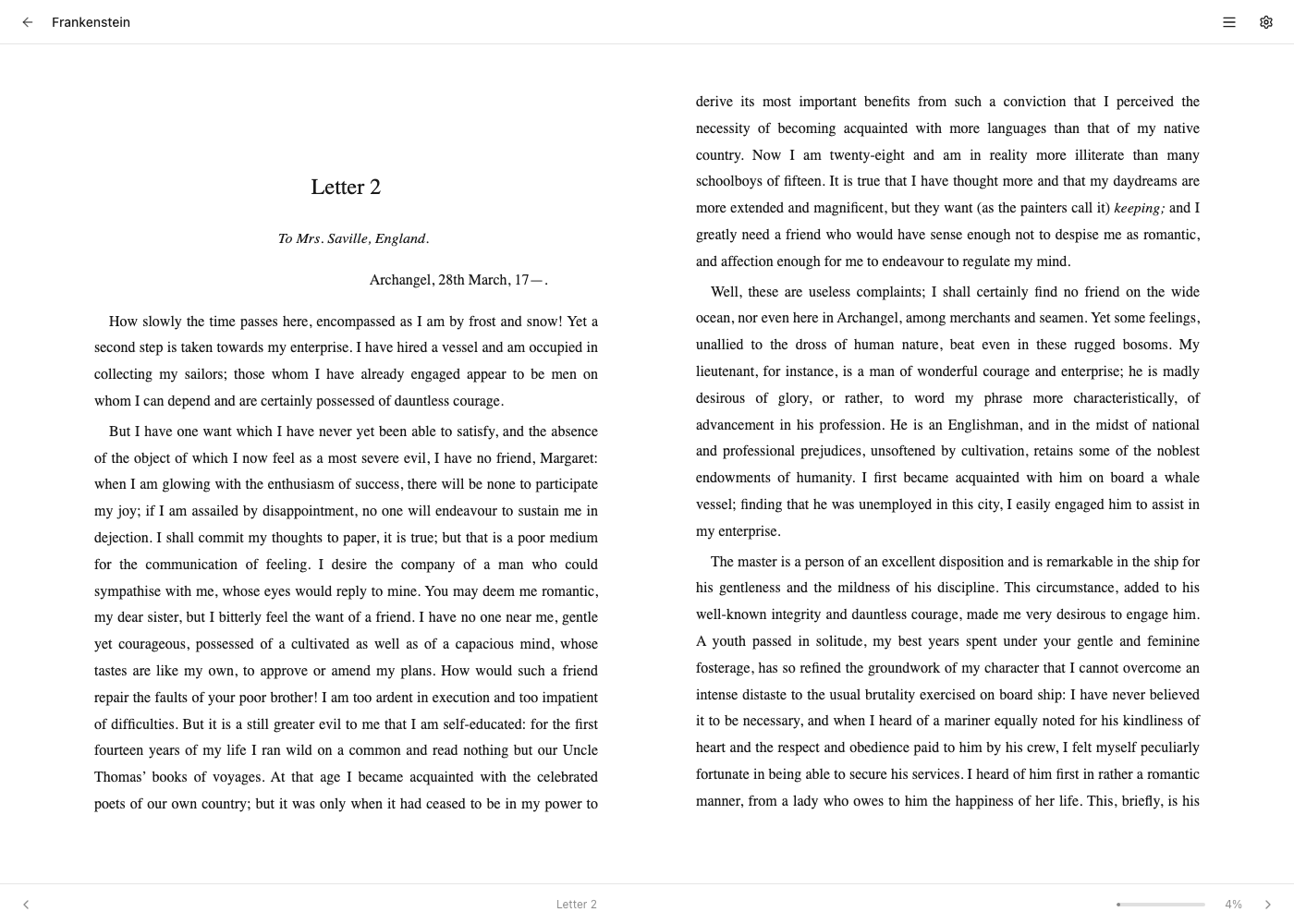
EPUB reader
Built on foliate-js, the same engine that powers Foliate on the desktop. Pagination, not infinite scroll — pages re-flow to your viewport.
Controls
- Themes: light, sepia, dark. Independent of the app theme — you can read in sepia inside a dark Tome.
- Font: system serif, sans, or monospace, sized 12–28px.
- Table of contents: drawer on the left. Click to jump.
- Position memory: EPUB position is a CFI (Canonical Fragment Identifier) — resilient against re-flow, so resuming on a different device with a different font size lands you on the same paragraph, not the same pixel offset.
Time left in chapter
The footer shows "~12 min left" beside the chapter name, computed from the book's chapter map and your measured reading pace (the same true-WPM the stats page derives from finished, word-counted books — a sensible default until you have history; the tooltip says which pace is in use). It's fraction-based rather than page-based, so it doesn't care about font size or layout. Quietly absent for books without a chapter map or word count.
Keyboard shortcuts
| Key | Action |
|---|---|
| → or Space | Next page |
| ← | Previous page |
| t | Toggle TOC drawer |
| s | Toggle settings panel |
| Esc | Close drawer / exit reader |
Tap zones
On a touch screen, tapping the reading surface turns the page. Which side does what is a setting in the reader's settings panel (s), shared by the EPUB and comic readers and remembered per browser:
- Default — tap right for the next page, left for the previous one.
- Swapped — tap left for next. For reading one-handed with the device in your left hand, thumb over the near edge.
- Off — taps never turn pages; swipe instead. Useful when you keep turning pages by accident while zooming or scrolling.
Right-to-left comics keep advancing in their reading direction whatever the setting says, swipes and arrow keys are unaffected, and while zoomed into a comic page taps pan rather than turn.
Highlights & notes
Your KOReader highlights are painted right in the text, in their KOReader colours. Each highlight is located by its own text (device position formats don't translate to the web reader's engine), so a passage that can't be found simply doesn't paint rather than landing on the wrong words. Highlights load lazily per chapter — big collections don't slow the reader down.
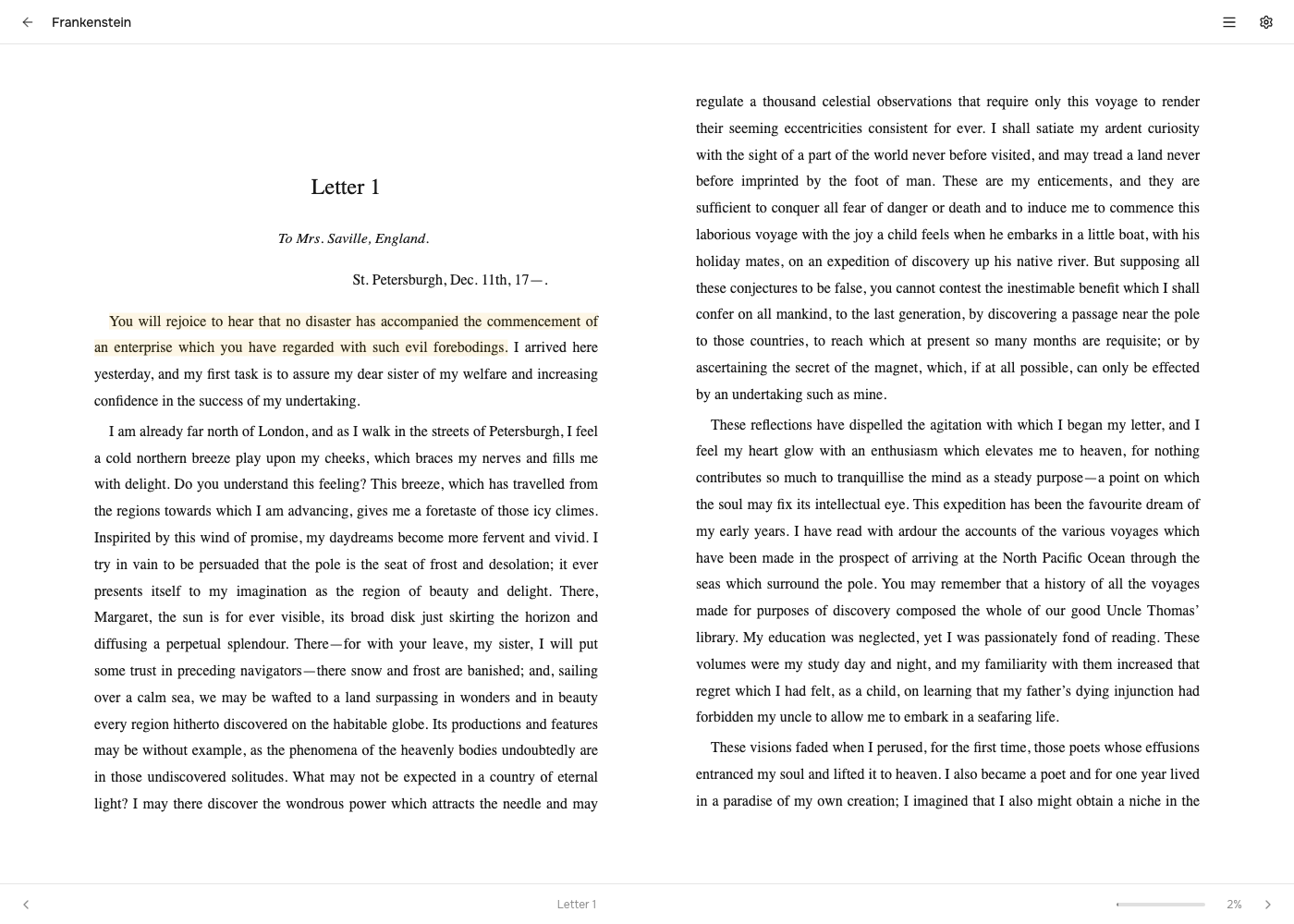
Creating a highlight on the web
Select any passage and a small popover offers the five KOReader colours and an optional note. The highlight paints immediately and syncs to your devices: the next time KOReader opens the book it locates the passage natively and adopts it as a first-class KOReader highlight — from then on it behaves exactly like one made on the device.
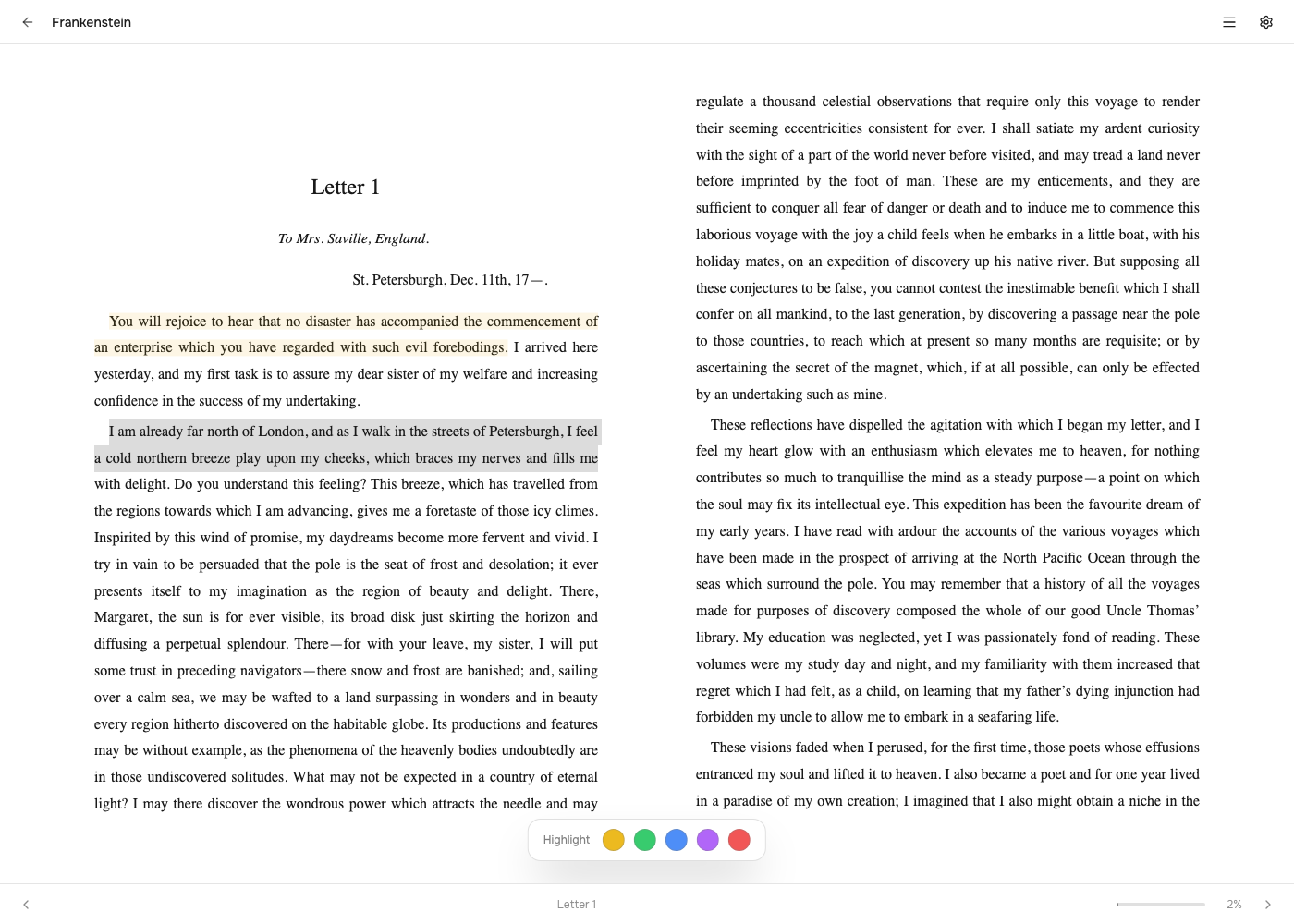
The highlight card
Tap any painted highlight to see the full passage, its chapter and date, and the note. From here you can edit the note or delete the highlight — including ones made on the device — and the change wins everywhere at the next sync. Highlights also appear on the book page and in the cross-libraryHighlights view.
Manga / CBZ reader
Custom streaming reader — pages are fetched on demand from the server, so you can open a 2 GB manga volume without downloading the archive. Works for CBZ; CBR support requiresunrar-free server-side (already in the Docker image).
Layout modes
- Page mode — one page (or two-page spread) at a time, click or arrow to advance.
- Webtoon mode — vertical infinite scroll. Best for Korean / Chinese vertical comics.
Per-volume options
- Reading direction: LTR (default) or RTL. RTL flips arrow keys and spread order — important for Japanese manga.
- Fit: width, height, or original.
- Single vs spread: spread mode pairs pages 2-3, 4-5, etc. The cover stays solo.
- Theme: light, dark, sepia background — useful for matte e-ink screens reading in low light.
Served as application/pdf; the browser's built-in viewer handles rendering. Position is tracked at the page level — no CFI equivalent, since PDFs are fixed-layout. If you want a richer PDF experience, send the file to KOReader (it does PDF reflow well) and your position still syncs.