Wishlist
The wishlist is a reading to-do list. Members add books or whole series theywant; admins see every open wish and fulfil them as the books land. A matcher links wishes to the library automatically — both when a new book is added and when a wish is created for something already on the shelf — so the list never goes stale.
Adding a wish
Open Wishlist from the sidebar and click + Wish. The dialog has two modes: Book and Series.
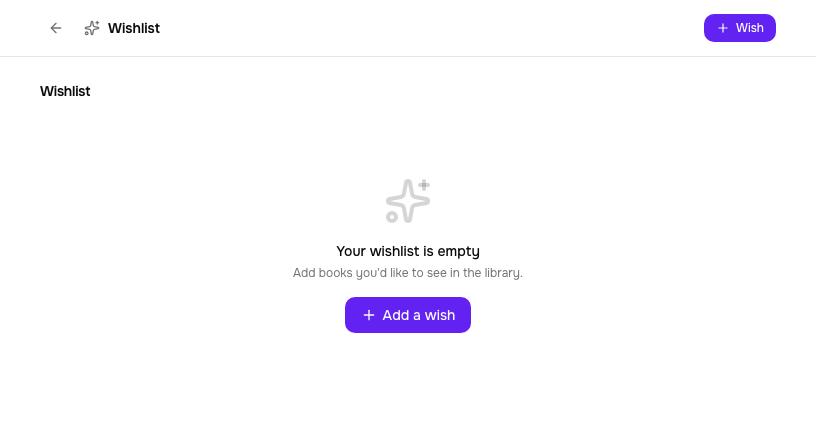
Book
Search by title across the same metadata sources as the rest of Tome (Hardcover, Google Books, OpenLibrary) and pick the match for a single-book wish. Can't find it? Switch to manual entry and type a title, author, and note.
Series
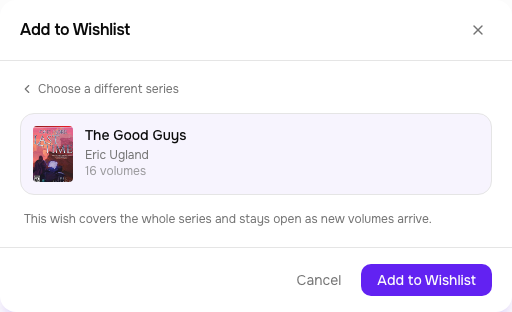
Switch to Series and search by series name. This queries Hardcover's series catalogue, so you pick the actual series — disambiguated by author and shown with its volume count (two unrelated series sharing a name, like "The Good Guys" by Eric Ugland vs. Bill Bonanno, are distinct entries). A series wish is a standing want: it stays open as volumes arrive and is satisfied by the collection, not one book.
Series coverage
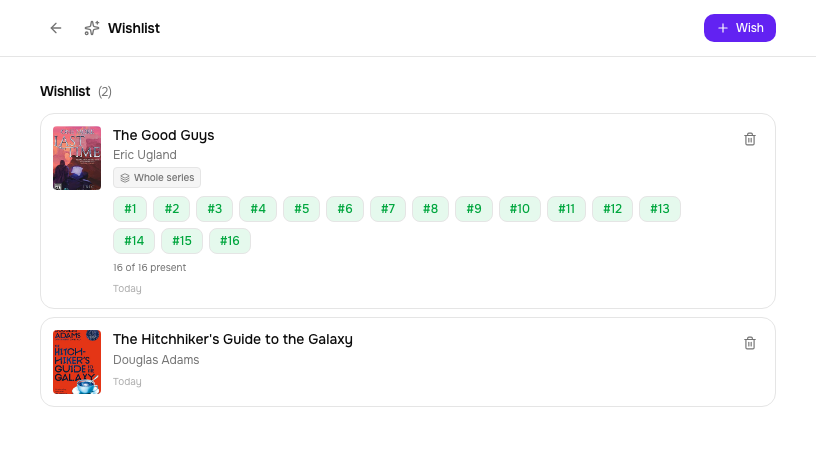
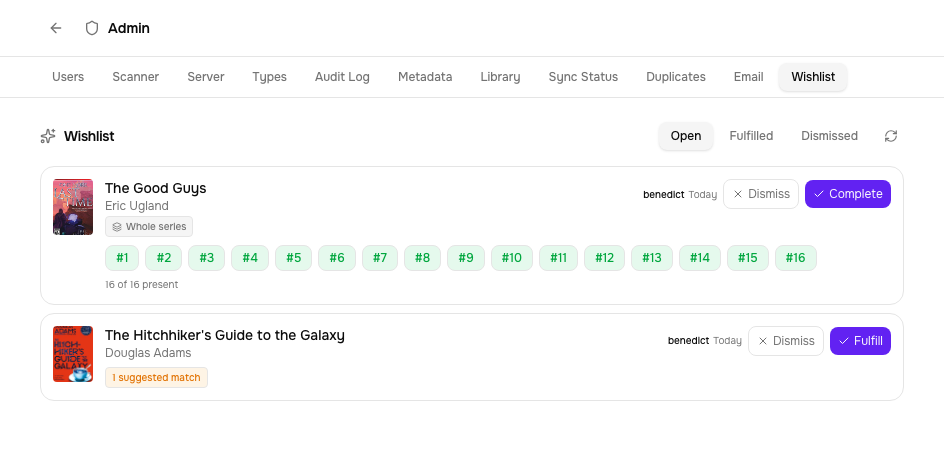
A whole-series wish shows exactly how far along it is: a strip of every volume, green for the ones already in the library and muted for the gaps, with the volume number on each — and an"X of N" tally. When the wish came from a Hardcover series, N is the real total volume count, so missing and not-yet-owned volumes both show as plain pills. Here a 16-volume series has every volume present (16 of 16).
Following a series — release detection
Beyond wanting books you don't have, you can follow a series you're collecting: Tome polls Hardcover on a schedule and tells you when a new volume is out. Follow from the Following strip at the top of the Wishlist page (search Hardcover by series name) or straight from a series page's Follow button.
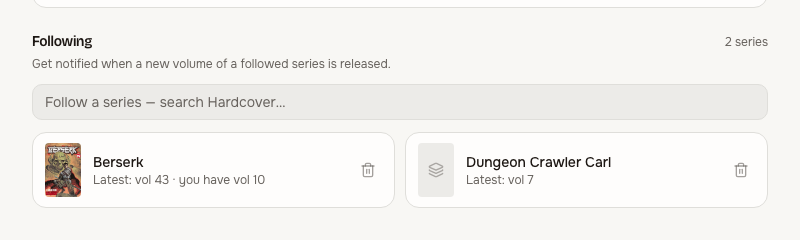
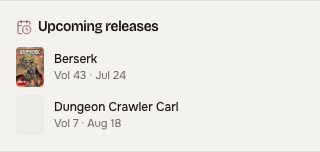
Following starts silent: it primes at the series' current latest volume, so following a 27-volume series doesn't fire 27 alerts. When the tracker's latest volume number grows past that, you get a bell notification — and an email, when SMTP is configured. Releases with a known date also appear in the Upcoming releases card on the Home dashboard.
Admin: the Wishlist tab
The Wishlist tab in /admin lists every member's wishes with the requester's name, filtered by Open / Fulfilled / Dismissed. Each row carries the right action: single-book wishes get Fulfill, whole-series wishes get Complete, and either can be Dismissed. When a wish matches books already in the library, the row says so — a suggested-match badge for single books, the coverage strip for a series.
Fulfilling a single-book wish
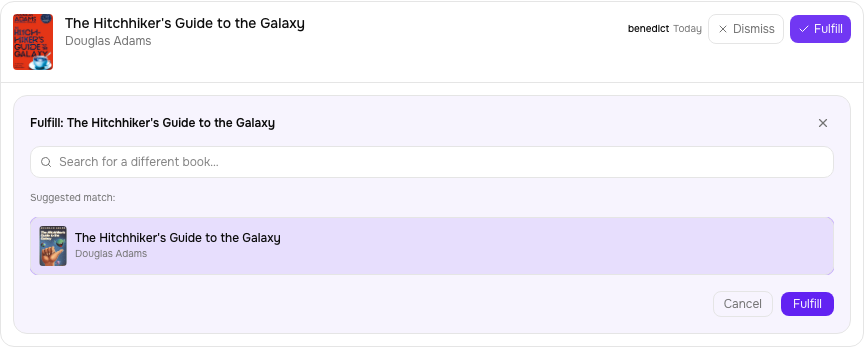
Click Fulfill and the picker opens with the matching library book preselected (search for a different one if needed). Confirming links the book to the wish, marks it fulfilled, and notifies the requester. If the book isn't in the library yet, upload it first — the matcher will surface it here automatically.
Notifications
Tome notifies the requester through the bell in the top bar:
- A volume arrived — when a new book matching an open whole-series wish is added.
- Your wish is fulfilled — when an admin links a book to a single-book wish, or marks a series complete.
Fulfilment also sends an email when the server has SMTP configured; if it isn't, only the in-app notice fires.
The bell only rings when you visit — for pushes the moment things happen, add anoutbound channel in Settings → Notifications: anntfy topic, a Gotify server, or any plain webhook. Every in-app notification (wish fulfilled, new volume detected, reading goals) is delivered to your enabled channels; each channel has a test button and can be paused, and tokens are stored server-side only. Operators can disable the whole feature withTOME_OUTBOUND_NOTIFY=false.
Configuration
| Variable | Default | Purpose |
|---|---|---|
TOME_WISHLIST_ENABLED | true | Master switch for the whole feature |
TOME_WISHLIST_MAX | 100 | Soft cap on open wishes per user (409 when exceeded) |
TOME_RELEASE_DETECTION | false | Enable series following + new-volume alerts (needs a Hardcover token) |
TOME_RELEASE_CHECK_INTERVAL | 86400 | Seconds between release checks (daily) |
See the full env var list in Configuration.